What Is a Digital Signage CMS? How AT Group's ATP CMS Helps Businesses Manage Multiple Displays
|
 |
| |
Digital displays are becoming an increasingly popular way for businesses to communicate with customers, visitors and employees. From hotel lobby advertisements and restaurant menus to corporate announcements and company updates, digital signage offers a more flexible and engaging alternative to traditional printed notices.
However, when businesses have multiple screens to manage, updating content individually can become time-consuming and inconvenient.
This is where a Digital Signage Content Management System (CMS) comes in.
At AT Group, we offer the ATP Content Management System (CMS), a digital signage management solution designed to help businesses organise, schedule and display multimedia content across connected screens through a centralised management platform. |
| |
| |
What Is a Digital Signage Content Management System (CMS)?
|
A Digital Signage CMS is a software platform that allows users to manage the content displayed on digital screens, such as televisions, commercial displays and digital standees. Instead of manually updating each screen using USB drives, users can manage their images, videos, announcements and promotional content through a centralised system.
With a CMS, administrators can: |
| |
- Upload and organise images and video files.
- Create and manage content playlists.
- Schedule different content to appear at specific times and days.
- Display scrolling announcements and notifications.
- Manage connected screens through one centralised dashboard.
|
|
| |
| This makes digital signage management more organised, convenient and efficient, particularly for businesses operating multiple displays. |
|
| |
| |
Introducing ATP CMS: A Centralised Digital Signage Management Solution
|
AT Group's ATP CMS is designed to simplify how businesses manage their digital displays.
The system uses an on-premise setup, where the CMS server and connected display devices operate within the same local network.
The CMS server can be hosted on a physical computer, such as a desktop or laptop, or through a virtual machine. This provides flexibility for businesses to use their existing IT infrastructure, provided the server and display devices have the necessary network connectivity.
For a physical laptop serving as the CMS server, it must remain switched on and connected to the network to ensure the system can continue communicating with the connected display devices. Similarly, a virtual machine must remain running and accessible.
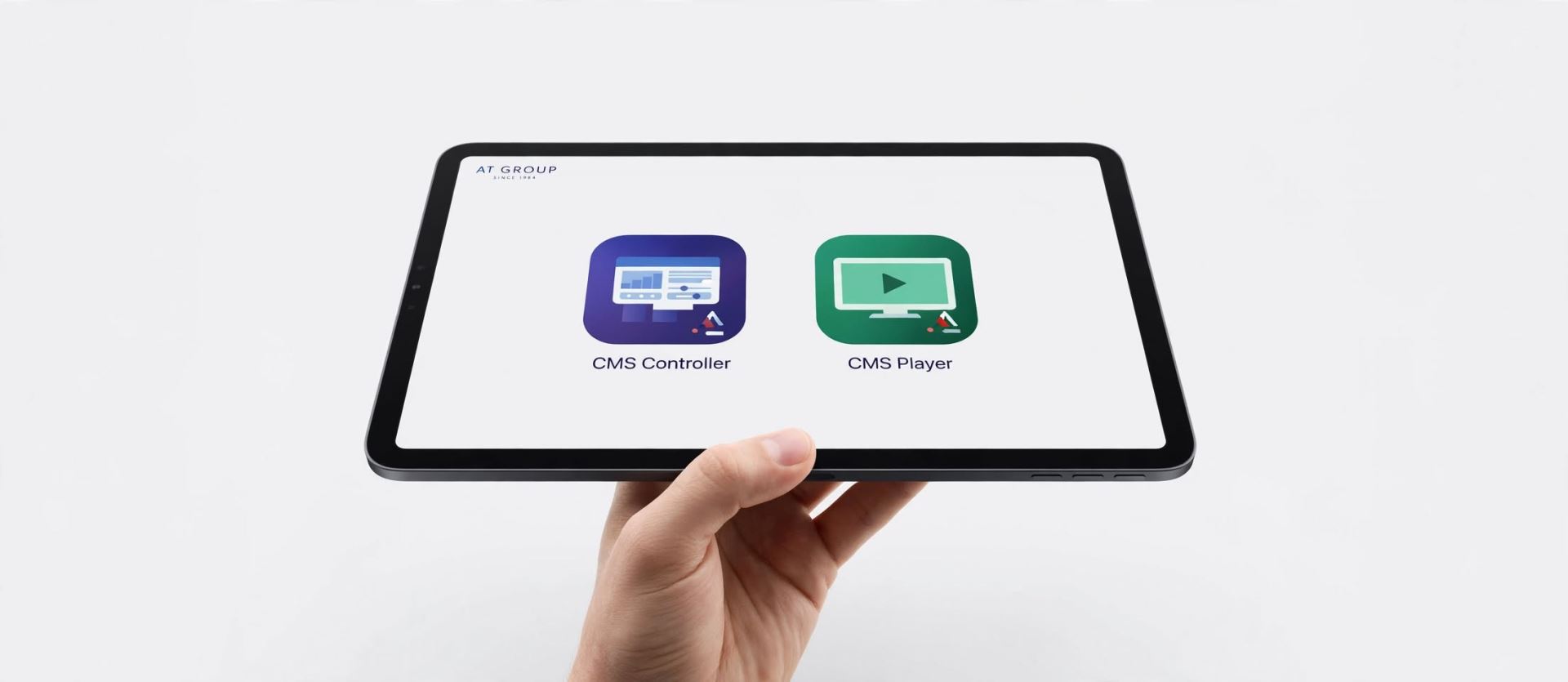
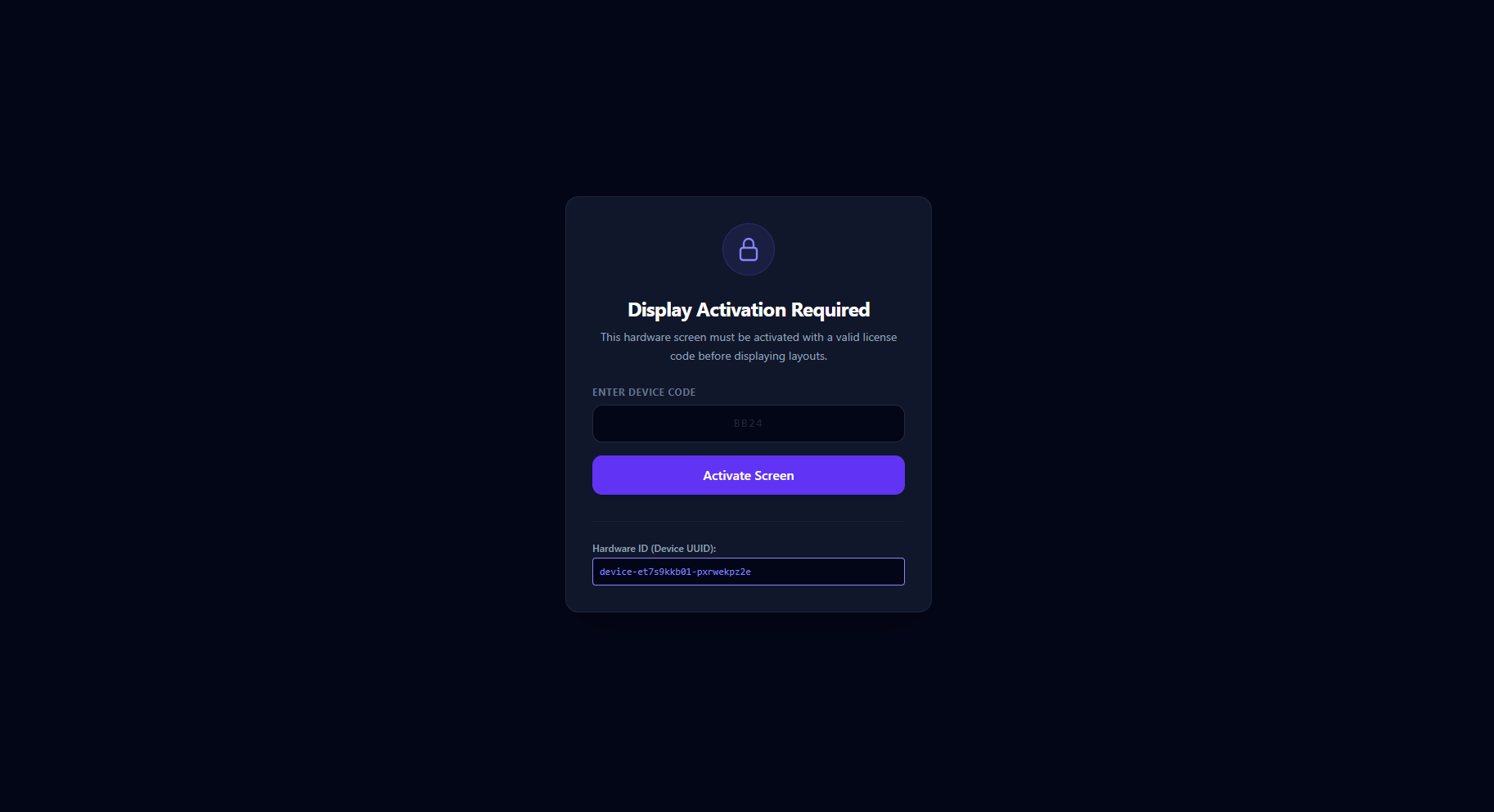
Each display is connected through an AT Box running the ATP CMS Player application. During initial setup, users enter a unique device PIN to register and pair the display with the CMS system.
Once connected, administrators can use the ATP CMS Controller to manage content, update playlists, schedule announcements and control the display arrangement. With the appropriate network access configured, authorised users can also access the CMS Controller remotely to manage their digital signage without having to be physically beside each screen. |
| |
| |
How Does ATP CMS Work?
|
ATP CMS Controller
|
| The management software used by administrators to control digital signage content. It allows authorised users to upload media, create playlists, configure scrolling announcements, schedule content and manage connected display devices. |
|
| |
ATP CMS Server
|
The server hosts the CMS system and manages communication between the controller and connected display devices.
It can run on a physical computer or virtual machine, depending on the customer's IT environment. The server must remain operational and accessible to ensure continuous communication with the connected displays. |
|
| |
AT Box with ATP CMS Player
|
Each display is connected to an AT Box running the ATP CMS Player application. During setup, the user enters a unique device PIN to register and pair the display with the CMS system.
Once connected, the display can receive and play assigned content according to the configured settings. |
|
| |
| |
Key Features of ATP CMS
|
Centralised Image and Video Management
|
 |
| |
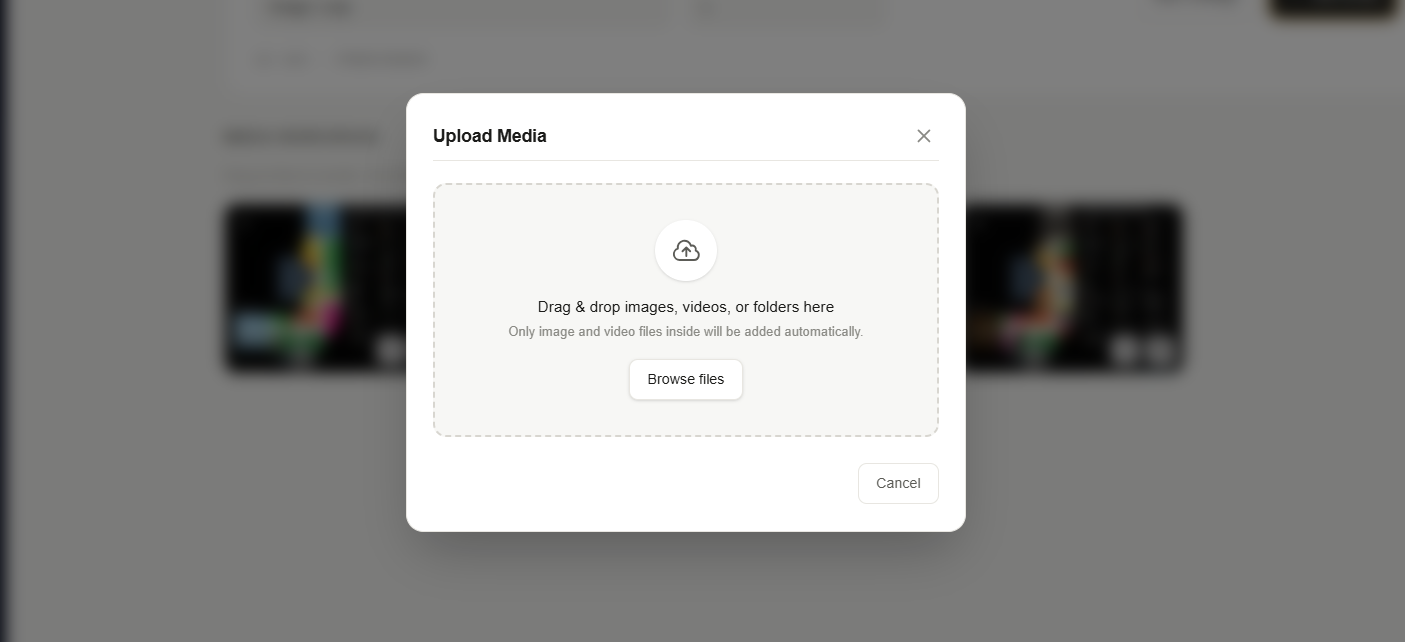
| Administrators can upload images and MP4 videos into a centralised media library instead of manually transferring files to individual screens. Users can create different playlists, arrange the display sequence and configure how long each image or video should appear. This is particularly useful for businesses that regularly update promotional materials, company announcements, photographs and other visual content. |
| |
Scrolling Announcements and Notifications
|
 |
| |
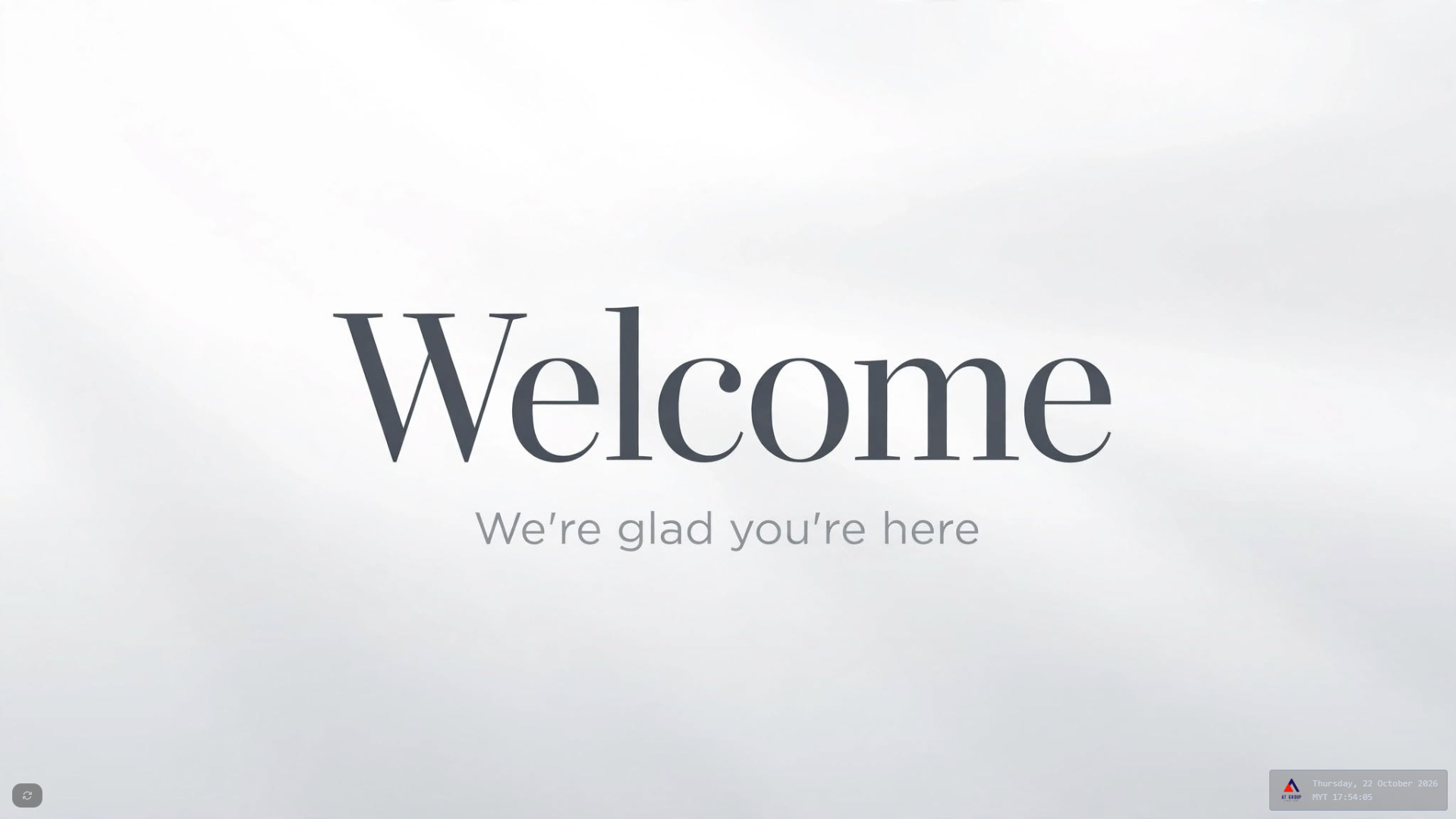
| The ticker management function allows users to display scrolling text messages across their digital screens. For example, businesses can use this feature to: |
| |
- Share important company announcements.
- Display upcoming events and activities.
- Welcome visitors and guests.
- Communicate reminders and notifications.
- Highlight promotional messages.
|
| |
| Users can customise the text, font colour and scrolling speed to suit their display requirements. |
| |
| Whether broadcasting daily corporate announcements, welcoming VIP visitors, or displaying urgent notices, the Ticker Management module makes real-time updates effortless. Administrators can configure rolling marquee tickers, customize font colors (such as pure white for maximum readability), adjust scroll speeds, and instantly update or remove expired messages with a single click. |
|
| |
| |
Advanced 24/7 Screen Scheduling & Slot Management
|
 |
 |
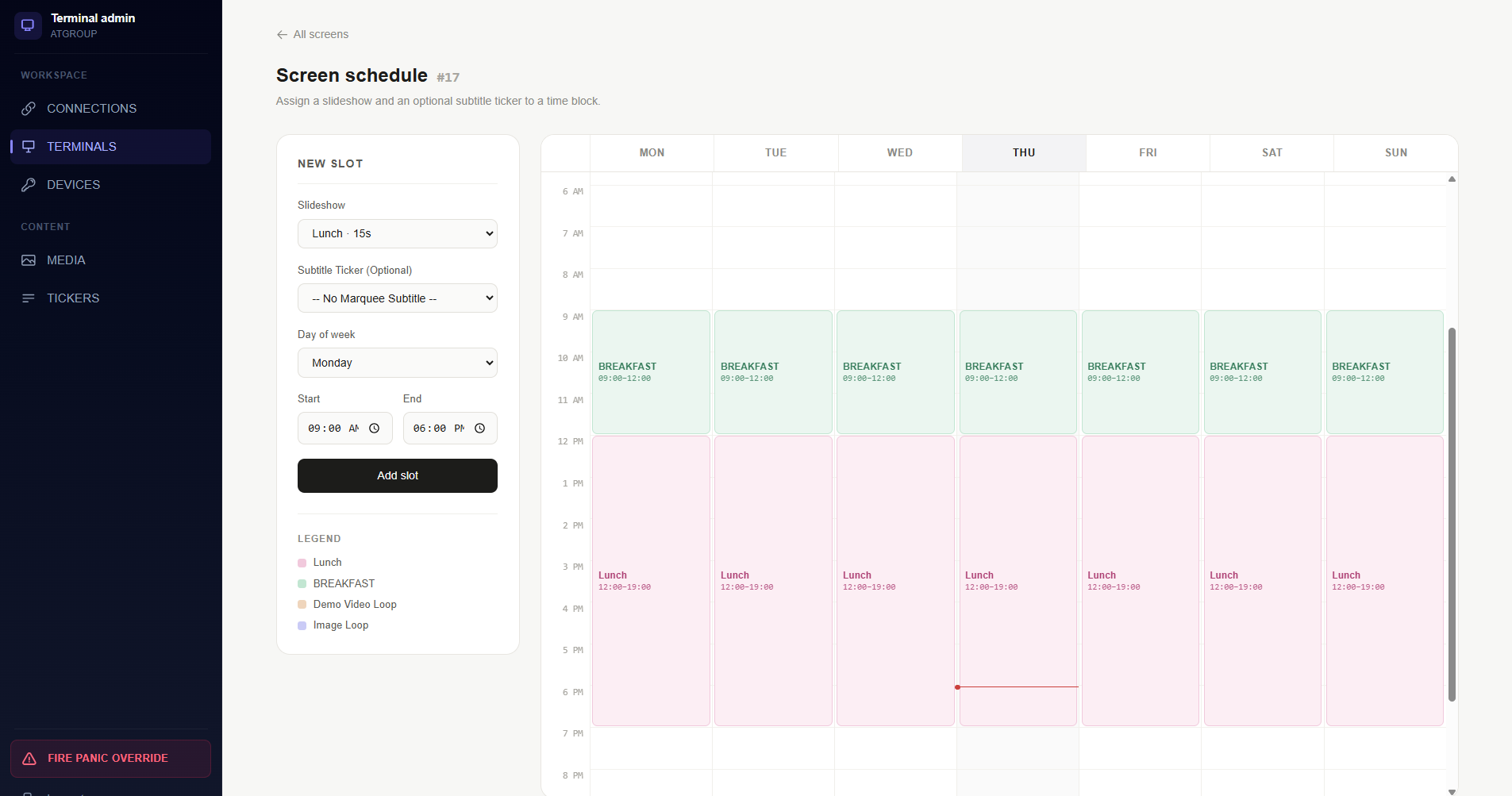
ATP CMS allows administrators to plan when specific content should appear on their screens.
Through the scheduling function, users can assign different playlists and announcements to specific days and time slots. For example: |
|
- Morning: Display company announcements and daily updates.
- Afternoon: Show upcoming events and promotional content.
- Evening: Display general information or scheduled advertisements.
|
|
| This helps businesses keep their digital displays relevant throughout the day without manually changing the content each time. |
| |
| |
Multiple Screen Management
|
 |
|
Businesses with multiple display locations can manage their connected screens through one centralised CMS dashboard.
Administrators can assign recognisable names to individual screens, register devices using unique PIN codes and organise content according to different display locations.
For example, a business can manage separate screens for its reception area, meeting rooms, office corridors and common areas. |
| |
| |
Where Can Businesses Use ATP CMS?
|
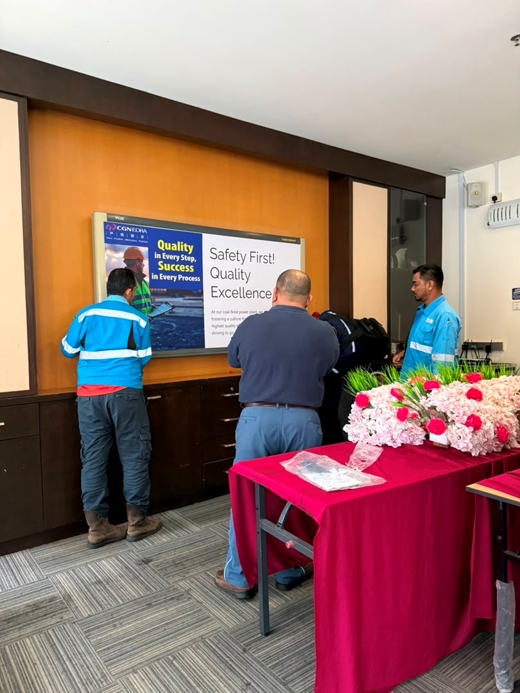
| Digital signage is suitable for various industries and business environments. |
| |
 |
|
Hotels and Hospitality
|
| Hotel operators can use digital displays at their lobbies to showcase hotel facilities, promotions, upcoming events, welcome messages and general guest information. |
| |
Food and Beverage (F&B)
|
| Restaurants, cafés and food outlets can use digital screens to display menus, food promotions, seasonal offers and special announcements. |
| |
Corporate Offices
|
| Companies can install digital displays at their reception areas, office walls and meeting rooms to share company information, announcements, employee achievements and upcoming activities. |
| |
Meeting Rooms and Common Areas
|
| Digital displays can communicate meeting schedules, internal notices, event updates and other important information to employees and visitors. |
|
|
| |
| |
Real-World Application: Customised Digital Signage for an Electrical Company in Port Dickson
|
 |
|
At AT Group, we believe digital signage solutions should be designed around the actual needs of each customer.
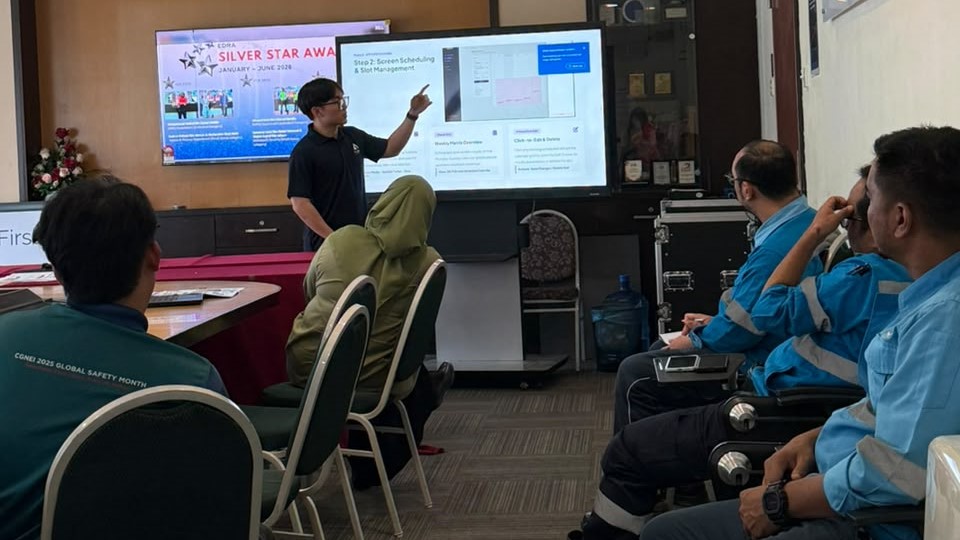
One of our projects involved an electrical company based in Port Dickson that wanted to improve how information was shared within its office environment.
The customer required digital displays for its meeting room and office wall, where employees and visitors could view company information, photographs, videos, monthly activities and internal announcements.
After meeting with the customer and understanding its requirements, our team worked on customising the CMS dashboard, system configuration and content arrangement to suit the customer's intended usage.
The customised solution took approximately one to two months to develop, based on the project's requirements and customisation scope.
With this solution, the customer could use its digital displays for more than just general advertisements. They could also become an internal communication channel to share monthly highlights, employee recognition, company activities and important notifications.
This project demonstrates how digital signage can be adapted to support different business requirements, rather than relying on a one-size-fits-all solution. |
| |
| |
Why Choose AT Group for Digital Signage Solutions?
|
At AT Group, we understand that every business has different communication requirements and display environments.
Our approach goes beyond supplying display hardware and software. We work with customers to understand their intended usage, identify suitable configurations and customise the CMS dashboard, system and content arrangement according to their operational needs.
Our digital signage solution offers: |
| |
| Centralised Content Management: |
|
| Manage connected displays through one CMS platform. |
| Flexible Content Scheduling: |
|
| Arrange images, videos and announcements according to specific days and time slots. |
| Flexible Server Deployment |
|
| Support physical computers and virtual machine environments within the required network setup. |
| Remote Content Management |
|
| Allow authorised users to manage digital signage through the CMS Controller with the appropriate network access. |
| Customised Solutions |
|
| Adapt the dashboard, system configuration and content arrangement to suit individual business requirements. |
| Practical Business Applications |
|
| Support advertising, visitor information, internal communication and corporate announcements. |
|
| |
| |
Make Your Digital Displays Work Smarter with AT Group
|
Digital signage is more than just displaying images and videos on a screen. It provides businesses with a convenient way to communicate information, promote services and keep employees and visitors informed.
With AT Group's ATP CMS, businesses can enjoy a more organised approach to digital display management through centralised content control, flexible server deployment and customised system configurations.
Whether you are looking to improve your hotel lobby displays, manage restaurant promotions or share company announcements across your office, AT Group can help you explore a digital signage solution that suits your requirements.
Contact AT Group today to learn more about ATP CMS and discover how customised digital signage can support your business communication needs. |
| |
| |
FAQ
|
| Can ATP CMS be installed on an existing laptop or virtual machine? |
|
| Yes. ATP CMS can be hosted on a suitable physical computer or virtual machine, provided it meets the system requirements and has the necessary network connectivity. The server must remain running and accessible for connected displays to communicate with it. |
|
| |
| Can I manage digital signage screens remotely? |
|
| Yes. Authorised users can use the ATP CMS Controller to manage content and display schedules remotely, provided the necessary network access to the CMS server is configured. |
|
| |
| Does ATP CMS support multiple digital displays? |
|
| Yes. ATP CMS allows administrators to register and manage multiple connected displays through a centralised management platform. |
|
| |
| Can AT Group customise the CMS according to my business requirements? |
|
| Yes. AT Group can work with customers to understand their requirements and customise the CMS dashboard, system configuration and content arrangement. The development timeline depends on the scope of customisation. A previous customised project took approximately one to two months. |
|
|